Overview
Welcome to your friendly guide for creating and managing webcams on the WebcamPark platform! 🎉
Whether you’re a first-time user or looking to expand your webcam network, this guide will walk you through everything you need to know. We’ve made it as simple and straightforward as possible, so you can get your webcams up and running in no time!
Getting started
Section titled “Getting started”What You’ll Need
Section titled “What You’ll Need”- Access to the WebcamPark admin panel
- Your login credentials
- Details about your webcam (serial number, or login info and access to your webcam over the network)
Accessing the Admin Panel
Section titled “Accessing the Admin Panel”First things first - let’s get you logged into the system!
-
Navigate to the Login Page
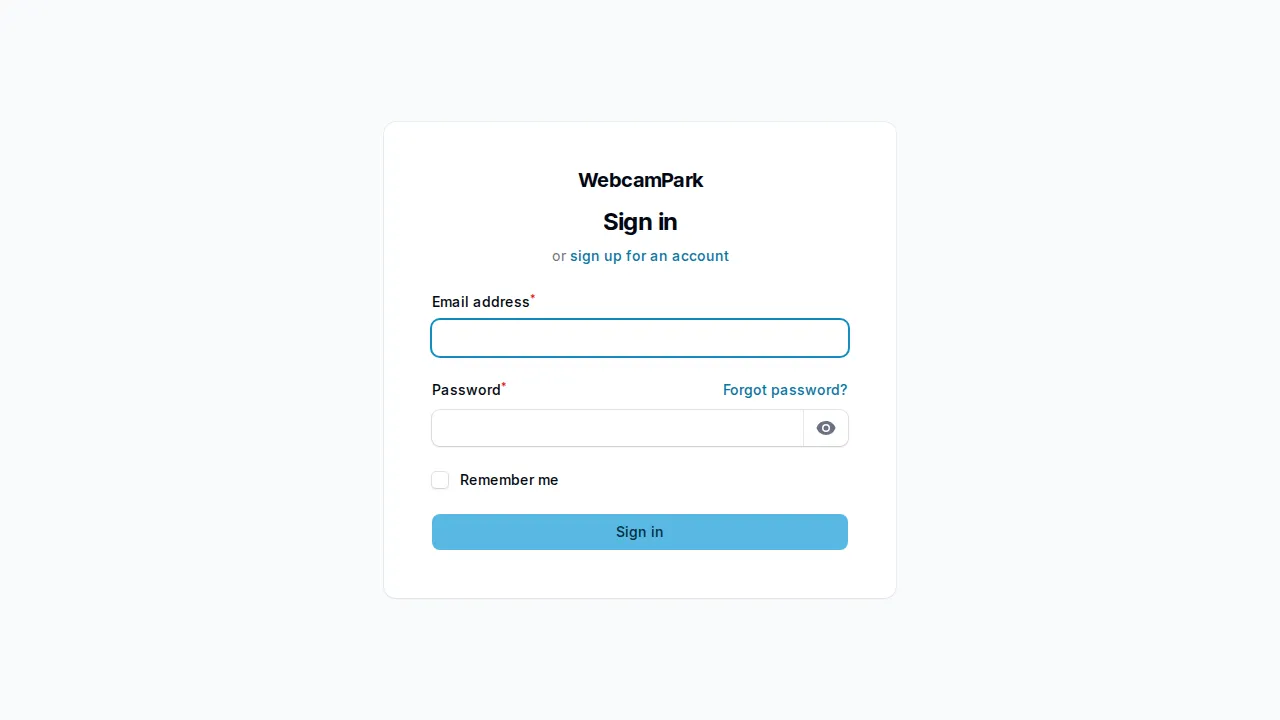
Open your web browser and go to your WebcamPark admin panel URL. You’ll see a clean, friendly login screen like this:
-
Enter Your Credentials
- Enter your email address in the “Email” field
- Type your password in the “Password” field
- Click the “Sign in” button
💡 Pro Tip: Make sure to use the correct email format and double-check your password for any typos!
-
Welcome to Your Dashboard!
Once you’re logged in, you’ll land on your beautiful dashboard:
This is your command center! From here, you can access all the tools you need to manage your webcams effectively.
This guide was created to help you make the most of your WebcamPark experience. We’re constantly improving our platform, so some interface elements might look slightly different as we add new features. The core functionality remains the same!