Watchdog
The watchdog stream feature provided by the WebcamPark platform is a reliability feature designed to ensure that your 24/7 livestream remains continuously available to viewers, even when the primary source (your webcam) experiences interruptions. In livestreaming environments, source outages can occur for many reasons, including network instability, encoder failures, maintenance windows, or unexpected hardware issues. Without a fallback mechanism, these interruptions would result in a blank player, error message, or complete stream stoppage, which can negatively impact viewer trust, engagement, and contractual uptime requirements. The watchdog stream acts as an automatic safety net by seamlessly taking over whenever the platform detects that the primary stream is unavailable, allowing the broadcast to continue playing without manual intervention. By keeping the stream alive during outages, the watchdog stream helps preserve a consistent viewer experience. Once the primary stream becomes available again, the platform can smoothly transition back, ensuring continuity while maintaining the appearance of a stable, always-on broadcast.
Enabling the watchdog feature
Section titled “Enabling the watchdog feature”This feature is enabled by default. For streams to Meta platforms this feather doesn’t work as expected due to some technical limitations.
Customizing the watchdog
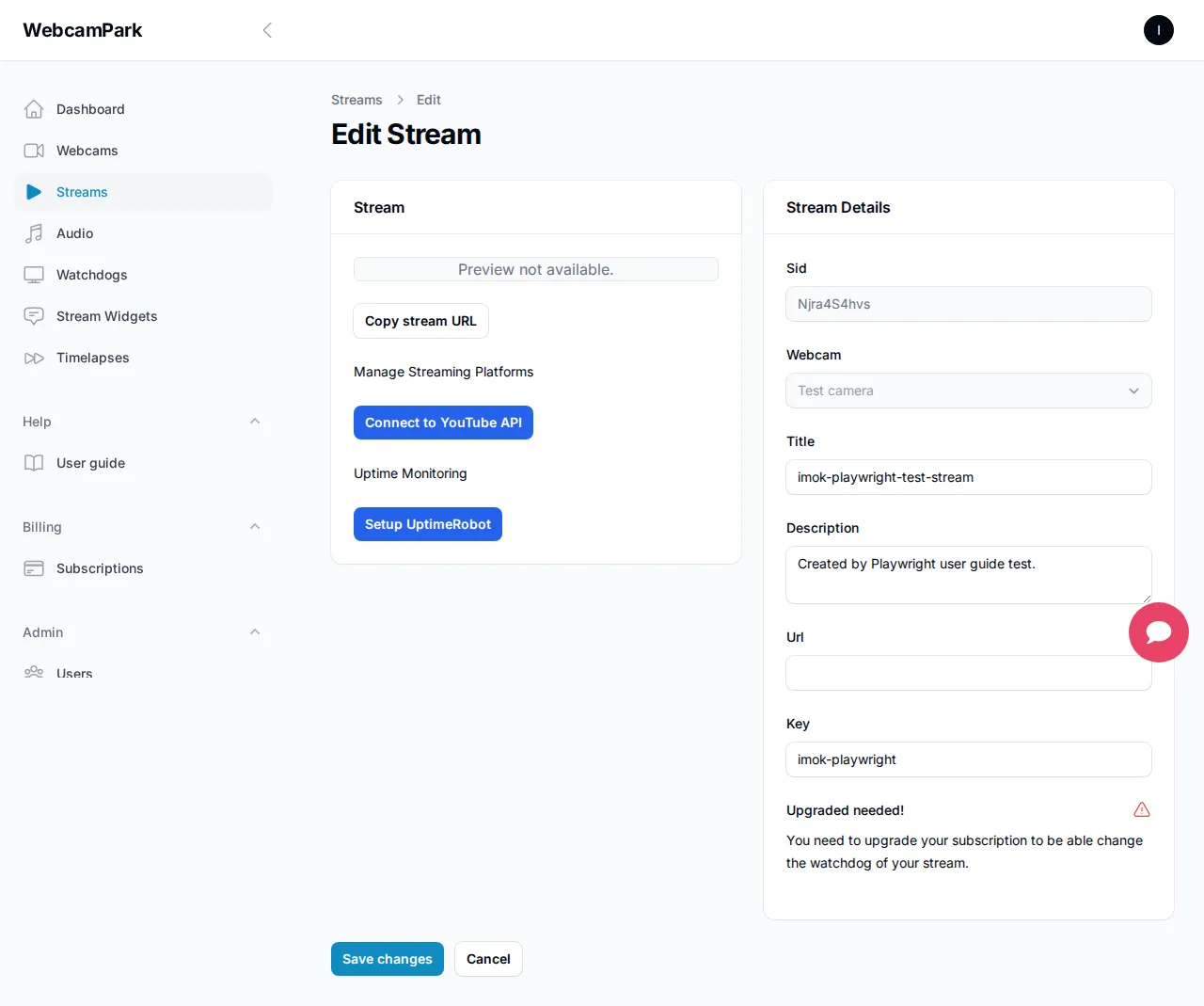
Section titled “Customizing the watchdog”By default, our platform will use one of the WebcamPark branded watchdog sources. You can override these with other existing watchdogs, or you can create your own, which align more to your branding needs. To change the watchog source you need to navigate to the selected stream’s edit page and select the watchdog tab where you can select the desired watchdog in the dropdown.
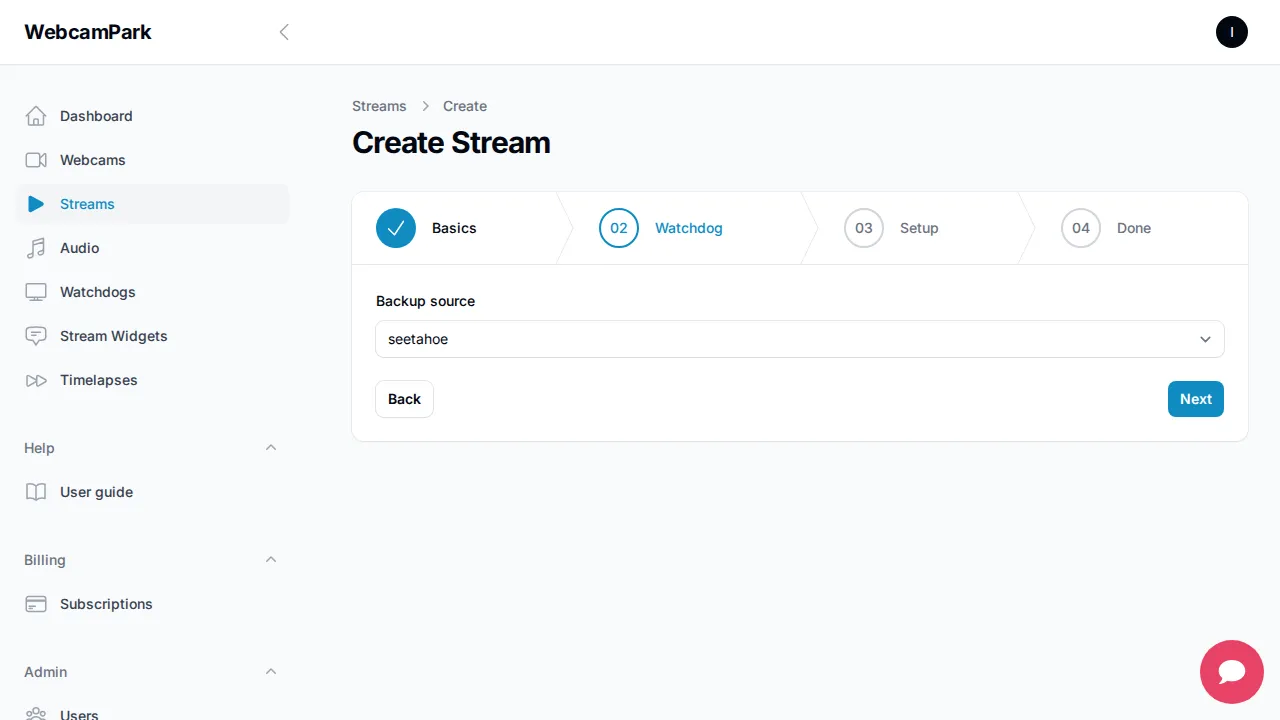
The watchdog source can be selected when creating the stream. in the wizard there is a dedicated step for selecting the watchdog source.
Creating a watchdog source
Section titled “Creating a watchdog source”If you want to create your own personal watchdog for your streams, you can do that in the watchdog section.
The watchdos source is a simple static image that is encoded into a low-bandwidth video so when there are some issues
witn your sreams we can intervine without any significant delays.
To creae your own watchdog navigate to watchdog section and click on Create webcam backup source.

You simply nid to give it a name and upload your image that has a jpg, jpeg or png extension, then click on
Create. You can upload an image by dragging it into the gray area or click on browse then select your photo. The WebcamPark platform will optimize the watchdogs and encode them so they are streamable to the big streaming
platforms.
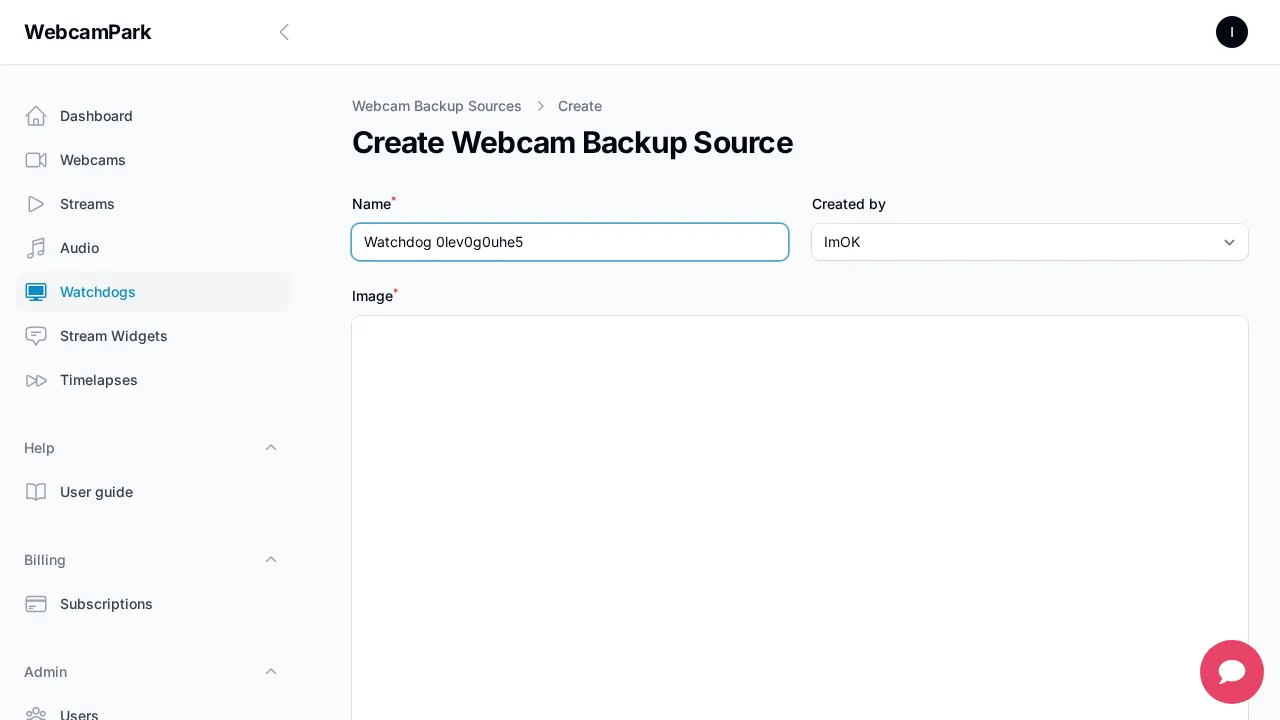
After you created your watchdog, you can edit it and update it as you wish.
How do I enable this feature for my livestreams?
This feature is enabled by default for all the streams except for Facebook and Instagram livestreams, you do not need to do anything.